Look! I made a creepy line-drawing of myself!
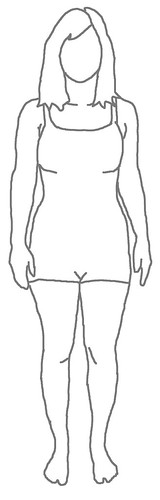
Isn’t it just the cutest thing you ever did see? Ok, maybe not… it’s kind of creepy lol.
I was inspired to make one of these after reading chapter 2 of the Colette Sewing Handbook, A Thoughtful Plan. It is suggested that you make your own croquis to aid with planning out future sewing projects.
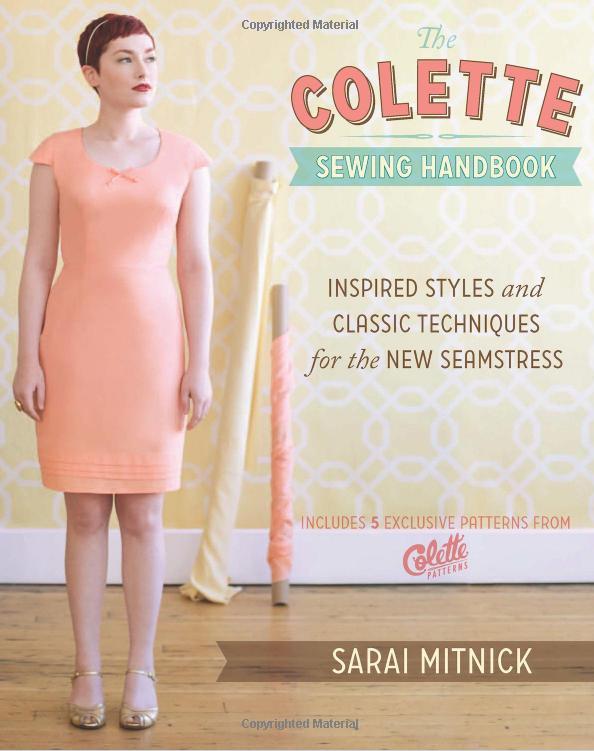
This is not normally something I would use – garments look sooo different on a bunch of stylized croquis than they do on normal ol’ bodies, plus, I’m pretty ~aware~ of how my body looks – so I didn’t see much of a point. But now little mini-me’s are popping up all over the internet, and I’m a sheep at heart so I took some pictures and drew out my own. Mine has a little outfit (bathing suit?) because I feel a little creeped out at the idea of a nakey me floating around the internet.
The book suggests printing your picture & tracing around the lines to create the croquis – which is fabulous, but I don’t have a printer at home and I was a little skeeved at the idea of printing out a picture of my undie-clad body on the office printer (or at Kinko’s! Oh God!). Hence, the all-digital LT.
And guess what? The process was pretty easy, so I made a bunch of screen shots so I could share the tutorial with you 🙂 And the best part is, you don’t have to have Photoshop 🙂 I used GIMPshop, which is a FREE software that is very similar to Photoshop (except free). Yay!
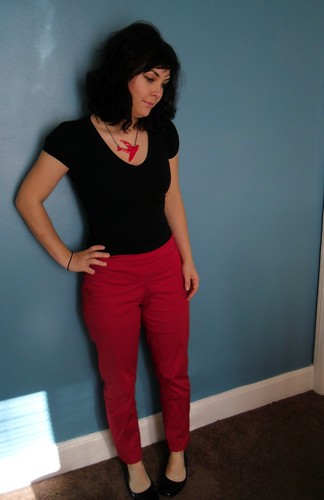
First, you are going to want to take a picture of yourself – in something very form-fitting (like leggings or a tank) or just undies. My actual picture was taken in a tank top and undies, hence why I picked a different picture for the tutorial 🙂 But you – you are going to want to wear something that shows your shape!
Some photo tips that I wish someone had pointed out to me:
– Stand in front of a plain (preferably light) backdrop. The less noise you need to edit out of the background, the better! This also makes it easier to see where you figure ends & where the wall (or whatever is behind you) begins.
– Make sure the camera is pointed straight at you, and not at an angle. My first croquis did not heed this warning, and as a result, she hashad very short legs (Had. I deleted her lol). Apparently I take my pictures at slightly MySpace-esque angle, which is great for outfit photos but not so great for croquis.
– Ensure that there is plenty of light & use a flash if necessary! It doesn’t matter if the picture is “blown out” or you are making a derp face – we are just dealing with the lines here, anyway.
Ok, so you’ve got your picture – tutorial time! These pictures are also located on my Flickr in their own set if you feel so inclined. Click through any picture to make it bigger if you need to!
I decided to use this clover picture as an example, saving y’all the pain of viewing an undies shot. You are all welcome. And again, I’m using GIMPshop. It’s free! And please note that I am by no means a professional when it comes to digital image manipulation – I just kind of hacked my way through until I came up with something suitable 🙂


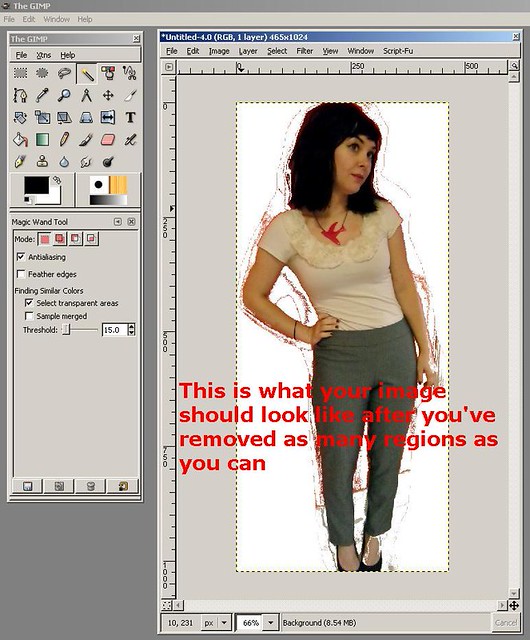


(I know, it should be “Croqui” not “Croquis,” my bad. I did not realize until it was TOO LATE!
I made myself wear the Pastille dress:

In the future, I will be drawing the actual clothes with a pencil & a piece of paper. It is hard to adjust the lines of the garment in GIMP to correspond with the lines of my body.
At any rate, I’m excited about my new little friend 🙂
Now – go print out a million little images of yourself & draw up a new wardrobe! Yay!








 LLADYBIRD